Basics of Usability and Navigation
The art of page structure in web design requires a deep understanding of usability and navigation. Clear, intuitive navigation is crucial to providing visitors with a seamless experience. Start with a logical hierarchy that helps users find information quickly. Use consistent menus and links to avoid confusion. Ensure that navigation works smoothly on all devices by implementing responsive designs. Usability is improved through clear calls to action and a clear page structure. Regularly test the user experience to ensure that navigation remains efficient and meets users' needs.
Visual Hierarchy and Its Role in Web Design
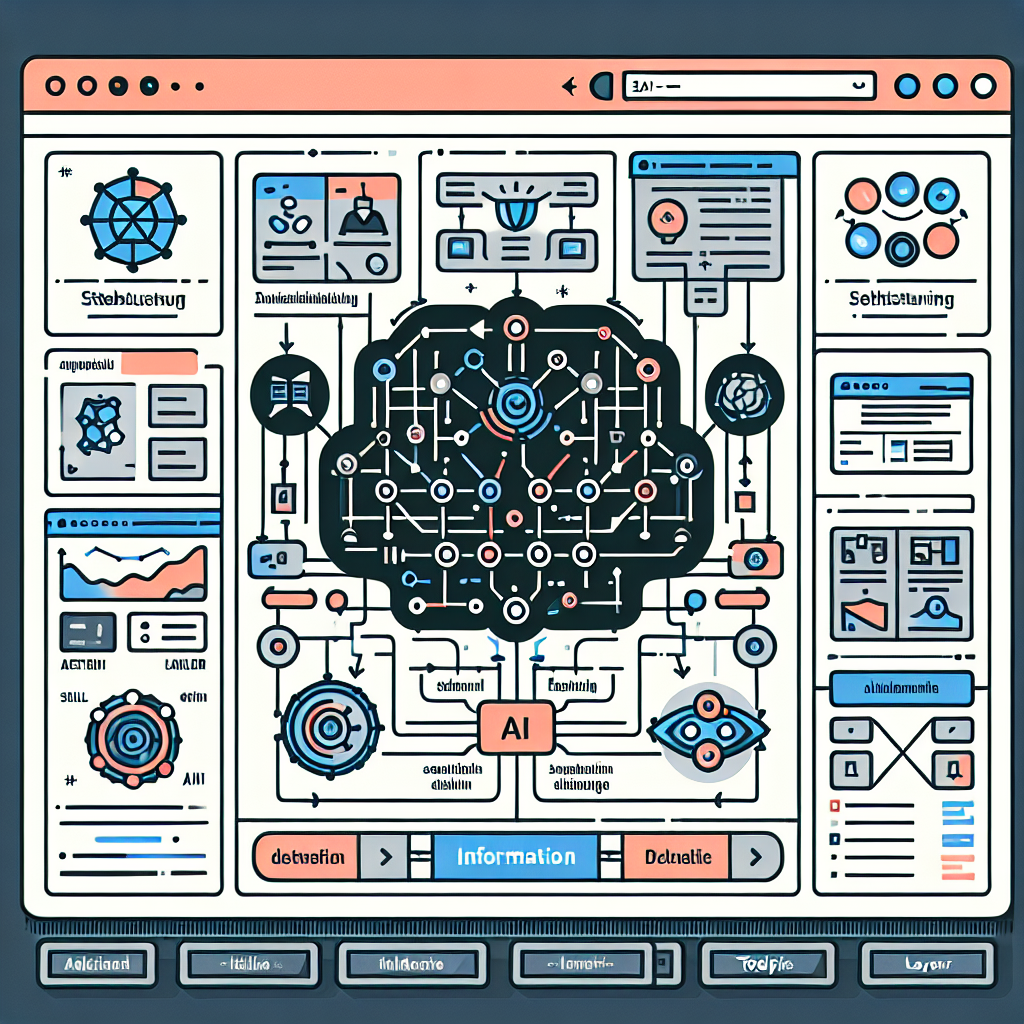
Visual hierarchy is a central element in web design that significantly influences the user experience. By strategically using size, color, and contrast, designers can direct users' attention and highlight important information. A clear hierarchy makes it easier for users to quickly grasp content and understand navigation. Headings, subtitles, and visual elements should be designed to form a logical order and support the flow of reading. Additionally, whitespace plays a crucial role in separating elements and improving readability. A well-thought-out hierarchy system enhances usability and increases the effectiveness of a website.
Techniques for Optimizing Load Times and Performance
The art of page structure in web design requires a deep understanding of techniques for optimizing loading times and performance. A fast website not only improves the user experience but also the search engine ranking. Proven methods include minimizing HTTP requests, compressing files, and using Content Delivery Networks (CDNs). Images should be optimized and stored in modern formats like WebP. Asynchronous loading of JavaScript and CSS can reduce render time. Caching strategies, such as setting expiration dates for static resources, are also crucial. Finally, server response time should be minimized through efficient backend processes.